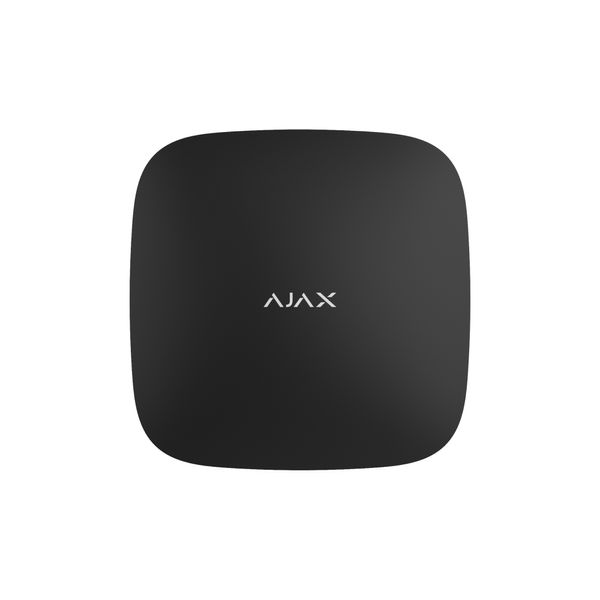
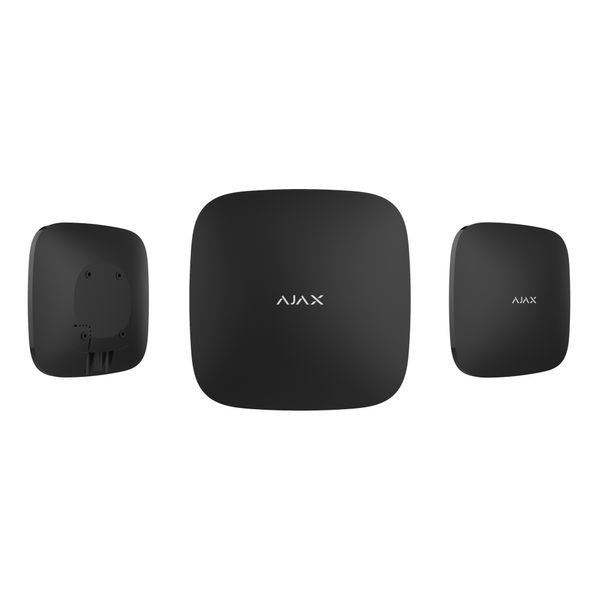
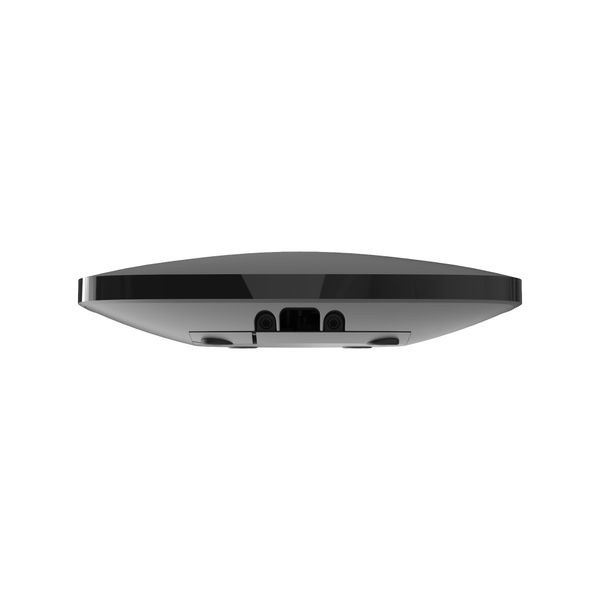
Hub 2, with support for photo verification of alarms, manages the operation of all devices of the security system and reports on opening of doors, breaking of windows, threat of fire or flood. If thieves enter the property, the Hub 2 will notify the security panel and send photos from the MotionCam motion sensors. You don't have to be under 24/7 video surveillance to see why the alarm went off.
Photo verification of alarms in 9 seconds
Hub 2 works with MotionCam and MotionCam Outdoor motion sensors. Having detected a person, they take a series of pictures and make it possible to dynamically assess what is happening at the object. This saves users from unnecessary worry, and security companies from unnecessary patrol trips.
Always in touch — via cable and cellular networks
Communication with the outside world is critically important for the central security system. Its reliability and stability are a guarantee of timely alarm transmission to the security company and users.
Hub 2 models can be simultaneously connected to three Internet providers — via an Ethernet cable and 2G cellular networks. At the same time, automatic switching between channels takes seconds.
Guaranteed delivery of alarms and photo confirmations
To guarantee reliable communication, we equipped the Hub 2 with four antennas and support for two specialized radio protocols: Jeweler and Wings. Jeweler is responsible for transmitting commands, events and alarms, while Wings provides batch transmission of snapshots. Two-way Ajax radio communication uses frames to synchronize device communication sessions, authentication to prevent spoofing, and encryption to protect against data theft.
Universality at its core
The Hub 2 radio network covers several floors and separate buildings — thanks to a communication distance of 2000 meters and the ability to connect 5 repeaters. For access control and object security zoning, the hub allows you to connect 50 users and create 9 security groups. Hub 2 is optimal for providing home and business security.
Can be controlled from the app
We abandoned control buttons on the central body and archaic interfaces — applications are more convenient and reliable. They connect to the hub over a secure channel through an Ajax Cloud server located in multiple AWS data centers. Server availability in 2021 was 99.995%.
Applications allow system users with administrator rights to manage facility security, change hub and connected device settings, create scripts, and monitor events. From a smartphone or a personal computer. On site and remotely.
Automates security
Hub 2 allows you to create 32 scenarios and minimize the impact of the human factor on security. The hub can arm and disarm an object or group on a schedule. Immediately activate the smoke machine if the room is penetrated. De-energize the room and turn on the emergency lighting in case of fire. Or shut off the water in case of leakage. Control lights, electric locks, roller shutters and garage doors — in case of a change in the security status, after pressing a button or after a sensor alarm
Resistant to sabotage
Whatever happens to Hub 2, the security company and users will be notified. The hub cannot be silently turned off when the object is disarmed. If an attacker tries to remove the device from the mount, the tamper will be activated instantly. And the Ajax Cloud server can notify about the loss of connection with the hub in 60 seconds thanks to frequent polls. Even if the building is de-energized, the hub will protect the object for up to 16 hours thanks to the built-in backup battery.
Evolving, not aging
The Hub 2 runs the real-time operating system OS Malevich, developed by Ajax Systems. The system is as reliable as possible, invulnerable to viruses and protected from cyber attacks. The modular architecture simplifies the development of OS Malevich.
The hub gets new features several times a year thanks to over-the-air updates. The process does not require the participation of an installation engineer or user and takes place in a matter of minutes when the security system is disarmed. The hardware configuration will allow Hub 2 to develop and remain relevant for years.
Simple installation
The Hub 2 is ready to go out of the box. All communication modules, power supply and backup battery are already installed. To start setting up the system, you need to connect the device to the power grid and the Internet, insert SIM cards and scan the QR code through the application. And thanks to the SmartBracket mounting panel, the device case does not need to be disassembled during installation.
Connecting security devices, video cameras, users, testing the radio signal, creating groups and scenarios, even sending a connection request to the ATS - any system settings are always available in Ajax applications. Regardless of whether you are on site or not.
Assemble the security system in 2 minutes
The configurator will help you choose a set of devices for home and business protection, taking into account the number of premises, the size of the site and security requirements. Use the configurator to calculate your budget.